Up and Hunt is an independent mobile app comparison platform. We may earn a commission when you click through.
Productivity Apps Split Into Three Very Different Tools
Compare 10 Android productivity apps by task management, file collaboration, AI assistance, pricing transparency, and practical use.
Quick Picks
Best overall workspace: Notion: AI Workspace combines notes, knowledge, project tracking, and AI in one system.
Best simple task list: Todoist keeps personal and professional tasks together without forcing you into a full workspace.
Best file hub: Google Drive is the practical pick for storing, searching, editing, and sharing files across devices.
These apps do not compete on one clean scale. Google Drive handles files, Todoist handles tasks, and ChatGPT, Gemini, Grok Bot, and Qwen handle AI-assisted work. The useful question is not which app ranks highest, but which kind of unfinished work is slowing you down.
Task Lists That Stay Out of Your Way
The simplest apps in this comparison may be the most useful. Google Tasks and Microsoft To Do focus on capturing obligations, while Todoist adds enough structure for recurring work, projects, and calendar planning. Daily Planner sits between a checklist and a routine journal, but its source description provides fewer details than the established task managers.
A useful distinction: Google Tasks is tightly connected to the broader Google ecosystem, while Microsoft To Do is built around daily planning and reminders. Todoist is the most ambitious of the three, and that ambition is valuable only if you will actually maintain projects and priorities.
Google Tasks
Google Tasks is the cleanest starting point here because the source listing keeps its promise narrow: create and manage tasks without turning the app into a second workspace. Compared with Todoist, it gives you less planning depth, but that restraint reduces setup time. Choose it if you already use Google services and need quick reminders, simple lists, and a low-friction way to capture errands or follow-ups. The limitation is equally obvious: the available description does not show advanced project features, collaboration depth, pricing tiers, or offline behavior, so power users should not assume it can replace a full planner.

Microsoft To Do
Microsoft To Do covers more everyday scenarios than Google Tasks, including shopping lists, collections, event planning, notes, and reminders. Its My Day and Suggestions features point toward a daily reset rather than an endlessly expanding backlog. That makes it a better match for someone who wants a morning list and a clear stopping point. The trade-off is ecosystem dependence: the listing explains the planning model, but not advanced integrations, subscription pricing, app size, or permissions. Compared with Todoist, it looks calmer and less project-heavy, which is useful until your work becomes complex.

Todoist
Todoist is the strongest task manager in this group for people who need one planning center across work and personal life. Its listing explicitly combines notes, reminders, calendar events, daily tasks, and habit tracking, and it claims more than 50 million users and teams. That gives it a clearer productivity identity than Microsoft To Do or Google Tasks. The catch is complexity: a system that supports projects, habits, and calendars can become another maintenance job. Pick Todoist if you manage recurring responsibilities or multiple projects; skip it if you only need a grocery list and two reminders.

Daily Planner To Do List
Daily Planner, To Do List is the least documented option in this comparison, so its appeal rests on the name and the apparent planner-journal positioning rather than verified feature depth. That makes it a reasonable experiment for someone who wants a visual daily routine, but a weaker recommendation than Google Tasks or Microsoft To Do for dependable cross-service planning. There is no supplied price, rating, app size, permission list, or detailed feature set here. Treat it as a lightweight personal planner, not a proven replacement for a task system with a broader ecosystem.

Task apps are easiest to compare by friction. Google Tasks removes decisions, Microsoft To Do shapes the day, Todoist organizes the system, and Daily Planner offers a less verified alternative. The next group handles information rather than individual to-dos, so the central question changes from “What must I do?” to “Where does the work live?”
Files, Knowledge, and AI Workflows
Google Drive and Notion are the two most practical homes for shared information. The AI assistants are different: they help generate, summarize, analyze, or act on work, but the source descriptions do not establish identical privacy controls, pricing, permissions, or reliability. That gap matters. An AI assistant can accelerate a task while still requiring you to check the result.
Google Drive
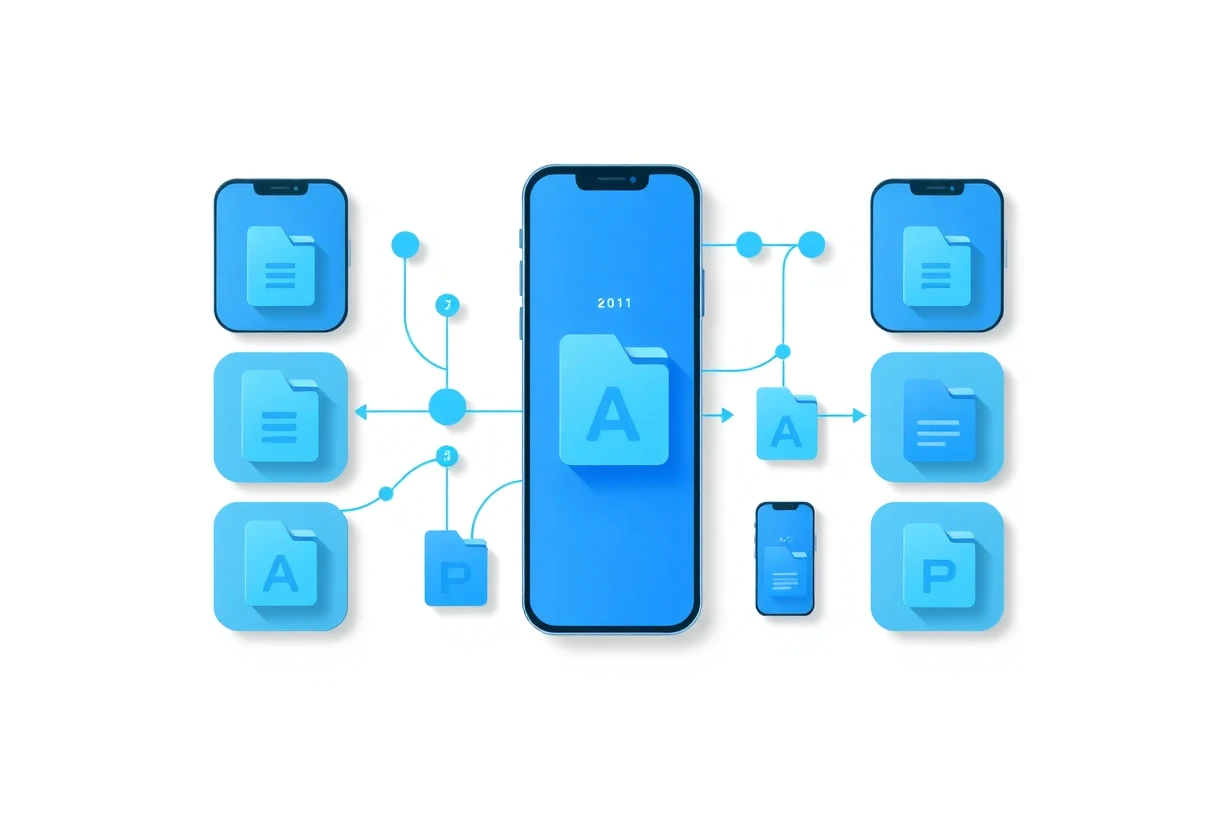
Google Drive is the most dependable file-first pick because its description covers storage, folders, search by name and content, filters, collaboration, more than 100 file types, PDFs, Office files, videos, and camera scanning for paper documents. That breadth is more concrete than the AI claims elsewhere in this list. It is also the easiest recommendation for mixed-device households or teams that exchange documents constantly. The weakness is scope: Drive organizes files, but it does not replace a dedicated task manager, and the supplied data does not state storage limits, pricing, app size, or permission requirements.

Notion AI Workspace
Notion goes beyond file storage by connecting knowledge, meetings, projects, and AI. The listing says more than 100 million people use it and highlights workspace search across tools such as Slack, Google Drive, Jira, GitHub, Figma, and Snowflake, plus meeting summaries with action items and decisions. That is a much wider operating surface than Google Drive. It can also become overbuilt quickly: databases, pages, integrations, and AI features demand consistent structure. Choose Notion when your problem is scattered knowledge, not simply missing files.

ChatGPT
ChatGPT is the most flexible general-purpose assistant in the set, with an official Android app, history syncing across devices, image generation, and Advanced Voice Mode listed in the source description. It is useful for drafting, brainstorming, explaining, and turning rough instructions into a first pass. Unlike Drive or Notion, it is not a dependable system of record by itself; important files, dates, and decisions still need a home elsewhere. The listing calls the app free but does not provide paid-plan pricing, limits, app size, or permission details, so the free tier should be tested before it becomes part of a daily workflow.

Google Gemini
Google Gemini makes the strongest ecosystem argument among the AI assistants because its description presents it as a proactive assistant for brainstorming, coding, data analysis, and real-time conversation through Gemini Live. That range could reduce app switching for people already invested in Google services. The concern is verification: the listing uses ambitious model language, but it does not provide independent accuracy benchmarks, pricing, rate limits, app size, or permission details. Compared with ChatGPT, Gemini is the more natural pick for Google-centric workflows; ChatGPT has the clearer supplied evidence for image generation and synchronized history.

Grok Bot
Grok Bot is the boldest productivity claim here: its listing says AI agents can sign in to tools and websites, continue working after the laptop closes, and take projects from start to finish. That is fundamentally different from a chat assistant that hands you a draft. It is also the option that deserves the most caution, because delegated access to websites creates questions about permissions, mistakes, account security, and auditability that the supplied description does not answer. Pick it only if you understand exactly what access an agent receives and can review its work afterward.

Qwen
Qwen is the least verifiable AI option in this list because the supplied page content contains the app name and a partial heading but no usable feature, pricing, rating, permission, or platform detail. That does not make it bad; it means the evidence is too thin for a confident recommendation beside ChatGPT, Gemini, or Grok Bot. It may appeal to readers who want to test another assistant, but treat it as an exploratory download rather than the foundation of a work system. The missing information is the story here.

The surprising split is not between “good” and “bad” apps. It is between systems that preserve work and assistants that generate or execute it. Google Drive and Notion give your information a home; ChatGPT, Gemini, Grok Bot, and Qwen help you manipulate information, with very different levels of documented detail.
For a second opinion on platform capabilities, check the official Google Drive listing, the Todoist listing, and the ChatGPT listing. The supplied pages do not provide enough consistent data to compare app size, permissions, ratings, or subscription costs fairly, so those details should be verified directly before installation.
Which App Should You Install?
Choose Google Tasks if you want a basic reminder list inside the Google ecosystem and dislike elaborate setup. Choose Microsoft To Do if your routine revolves around a daily plan, shopping lists, reminders, and a clear “My Day” view.
Choose Todoist if you manage recurring work, personal projects, and habits in one place. Choose Daily Planner only if you want to test a simpler planner and are comfortable with the limited information available about it.
Choose Google Drive for shared files, document scanning, and broad file-type support. Choose Notion when scattered knowledge, meeting notes, and project information are the real problem.
Choose ChatGPT for flexible drafting, voice conversations, and image generation. Choose Gemini if Google services already anchor your workflow. Choose Grok Bot only if you need delegated agent work and can supervise account access. Choose Qwen as an experiment, not as the default recommendation, because the available listing data is too incomplete.
My practical setup would be Todoist for commitments, Google Drive for files, and one AI assistant for drafting or analysis. Adding five overlapping productivity apps usually creates more places to check, not more time.


