Up and Hunt is an independent mobile app comparison platform. We may earn a commission when you click through.
Budgeting Apps That Match How You Actually Spend
Compare 10 finance apps by tracking style, platform, ratings, and automation before handing over bank access or paying for upgrades.
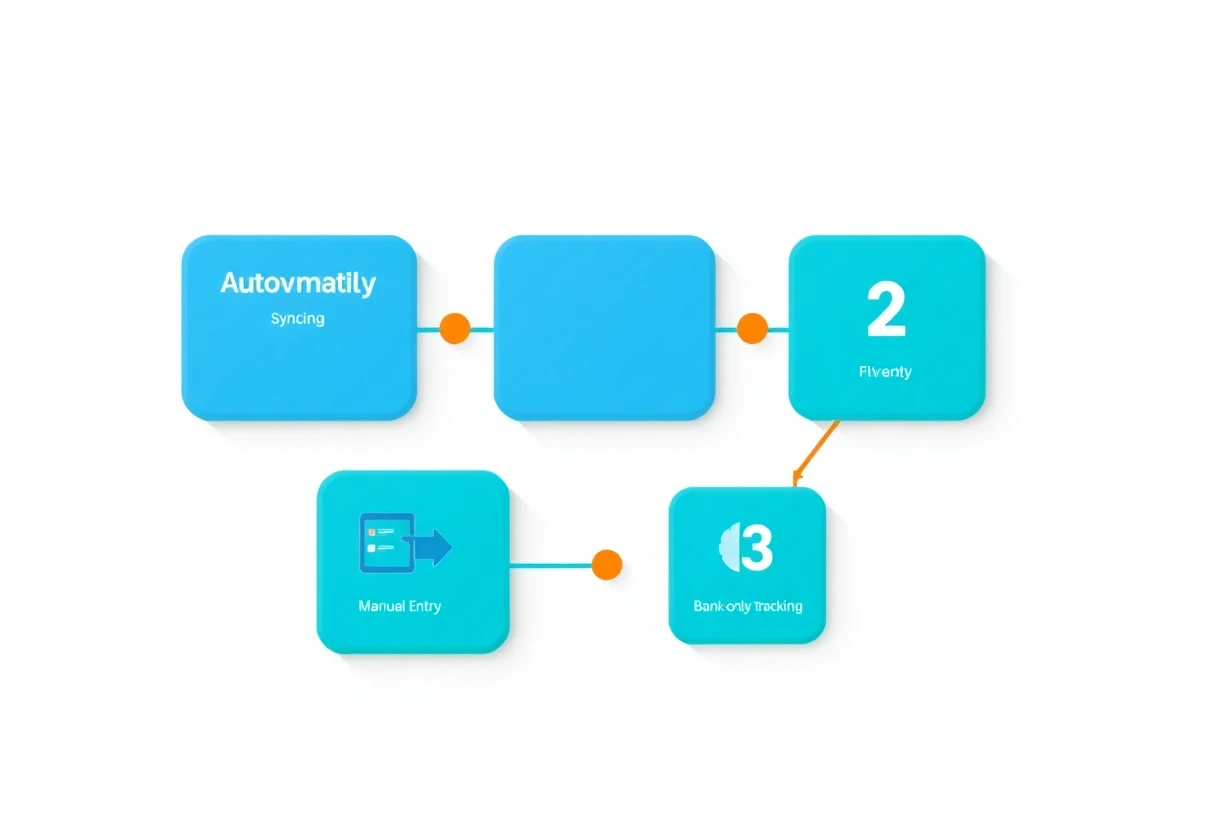
Budgeting apps split into two camps: automatic trackers that connect to your accounts, and manual tools that make you record every purchase. The first saves time. The second makes spending harder to ignore. The best choice depends less on star ratings than on how much effort you will tolerate after the first week.
One useful warning: a high rating does not tell you whether an app supports your phone, requires a subscription, or asks for bank access. The listings here show several iPhone-only tools, several Android apps, and a few products that are not budgeting apps at all. Google Wallet and PhonePe handle payments; they do not replace a proper spending plan.
Start With the Tracking Method
Automatic syncing is convenient, but it creates a privacy and accuracy trade-off. Manual entry is slower, yet it can reveal habits that an imported transaction list turns into background noise. These six apps belong in the actual budgeting conversation because their listings mention expense tracking, budgets, reports, bills, or financial planning.
Wallet
Wallet is the most feature-heavy Android pick in this group: its listing mentions bank-account connections, automatic expense tracking, spending reports, and cash-flow analysis. That makes it the strongest starting point for someone who wants a live financial dashboard rather than a blank ledger. The downside is also obvious: connecting accounts gives the app more financial access than a manual tracker. The listing does not provide a price, app size, permission list, or offline details, so do not assume the free install includes every feature. Best for Android users with several accounts who want automatic categorization and reports, and who are comfortable reviewing connected-account permissions.

Spendee
Spendee takes a simpler route and claims nearly 3,000,000 users, with expense tracking, planning, and savings-focused tools in the listing. Compared with Wallet, it sounds less centered on deep account management and more on seeing spending in one place. That can be easier to maintain, but the available page content does not confirm the exact free-tier limits or subscription price. Best for Android users who want a recognizable expense overview without starting with a complex financial setup. Check the current Google Play listing before assuming bank syncing or every report is included.

Bluecoins Finance & Budget
Bluecoins is the practical manual-ledger alternative. Its description covers income, expenses, budgets, reports, and charts, then extends the use case to family finances and small business. That wider scope matters if one app needs to track household spending and irregular income. Compared with Spendee, Bluecoins sounds more utilitarian and less focused on a polished overview. The listing says it has been rebuilt for a faster, smoother experience and is continuously updated, but it gives no price, rating, platform details beyond Google Play, or privacy breakdown. Best for Android users who need detailed categories and reports, especially households or freelancers who dislike linking bank accounts.

Money Manager
Money Manager has the strongest visible iPhone rating here: 4.9 from 90 ratings, with a free listing and in-app purchases. The page also highlights 20M+ downloads, which gives it more evidence of sustained adoption than the smaller iPhone trackers below. Its weakness is missing detail in the supplied listing: the available text does not spell out syncing, reports, account connections, app size, or permissions. That makes the rating useful but incomplete. Best for iPhone users who want a mature-looking manual budget tool and are willing to test the free tier before paying for extras.

Money Planner
Buddy is another iPhone finance planner, but its listing gives more context than a bare app name: it covers spending, bills, budgeting, and money planning, supports iPad, and carries a 4.8 rating from 42 ratings. That makes it more relevant to shared household planning than a basic expense counter. The review sample is still small, and the free listing includes in-app purchases without stating their cost. Best for an iPhone or iPad household tracking bills together, provided the missing subscription details do not bother you.

Budget Planner App
Fleur is the lightest iPhone option on the evidence available: a free finance app with in-app purchases and a 4.8 rating from only eight ratings. The small sample is the key fact, not a footnote. Eight ratings cannot tell you much about long-term reliability, syncing problems, or customer support. The listing identifies it as a budget planner and bills tracker, but the supplied page content does not confirm account connections, reports, offline use, app size, or permissions. Best for an iPhone user who wants a straightforward planner and is happy to evaluate it personally rather than treating the rating as proof.

The first group shows why platform matters. Android readers have more evidence for automatic tracking and detailed reports through Wallet, Spendee, and Bluecoins. iPhone readers get stronger visible ratings from Money Manager, Buddy, and Fleur, but the available listings reveal less about syncing and privacy. That gap is a reason to test the app with a small budget before importing every account.
Useful Finance Apps That Are Not Budget Planners
Payment and banking apps can help you see transactions, but they solve a different problem. They are useful when your main goal is paying, checking balances, or managing one institution. They are weaker choices for building a category-based plan across your whole financial life.
Google Wallet
Google Wallet is a payment hub, not a full budgeting system. Its listing focuses on credit cards, debit cards, transit passes, tickets, digital IDs, and contactless checkout, with security and privacy positioned as core features. That makes it useful alongside a budgeting app, especially for separating payment convenience from financial analysis. Compared with Wallet: Budget Expense Tracker, Google Wallet does not promise spending reports, cash-flow analysis, or budget planning in the supplied description. Best for Android users who need secure payment access and want a separate app to handle actual budgeting.

PhonePe UPI Payment Recharge
PhonePe goes even further from budgeting: it handles UPI transfers, recharges, utility bills, online and offline payments, investments, and insurance purchases. That breadth may reduce the number of finance apps on an iPhone, but it also increases the risk of confusing payment activity with spending analysis. The supplied listing does not provide a rating, price, app size, or permission details. Best for users whose daily money activity centers on UPI payments and bill settlement, not for someone who needs category limits and monthly budget reports.

PostFinance App
PostFinance is a bank-specific iPhone app built around account balances, payments, income and expenditure, spending analysis, investments, and Face ID or Touch ID access. It may be more trustworthy for customers already using that bank because the account data stays inside the provider's own ecosystem. The limitation is scope: the description does not establish support for multiple institutions, custom household budgets, or a broad account-aggregation view. Best for PostFinance customers who want secure account monitoring and spending analysis, while using a separate tracker for accounts held elsewhere.

Spending Tracker
Spending Tracker has the highest visible rating in the set at 5.0, but only 17 ratings support that score. The listing identifies it as free with in-app purchases, supports iPad, and is not verified for macOS. That combination suggests a focused manual tracker rather than a broad banking platform. Compared with Money Manager, it has a smaller review sample and less evidence of long-term adoption, so the perfect score deserves caution. Best for an iPhone or iPad user who wants a minimal spending log and does not need Mac support.

The common mistake is choosing a payment wallet because it feels financially organized. A card vault can make checkout faster; it cannot tell you that dining exceeded your monthly limit. Keep the roles separate: use Google Wallet, PhonePe, or a bank app for transactions, then use Wallet, Bluecoins, Spendee, Money Manager, Buddy, Fleur, or Spending Tracker for planning.
Common Mistakes to Avoid
- Importing every account on day one: Start with one checking account and verify that categories are accurate.
- Confusing a high rating with strong evidence: Spending Tracker has a 5.0 rating from 17 ratings, while Money Manager has 4.9 from 90. Neither number reveals subscription limits or permissions.
- Ignoring the free-tier boundary: Fleur, Buddy, Money Manager, and Spending Tracker are listed as free with in-app purchases, but the supplied data does not state which tools are locked.
- Skipping platform checks: Wallet, Spendee, Bluecoins, and Google Wallet are listed on Google Play; the other budgeting tools here are presented through Apple's App Store.
- Expecting a bank app to replace a budget: PostFinance can show spending inside one banking relationship, while a true planner needs categories, limits, and a repeatable review habit.
A Fast Decision Framework
Choose Wallet: Budget Expense Tracker if you use Android, manage multiple accounts, and want automatic tracking plus cash-flow reports.
Choose Bluecoins if you want detailed manual records for household or small-business finances without relying on bank connections.
Choose Money Manager if you use iPhone and want the strongest combination of visible rating and review volume among the iPhone budgeting tools listed here.
Choose Buddy or Fleur if bills and shared planning matter more than deep reporting. Buddy has 42 ratings; Fleur has only eight, so Buddy has the stronger evidence base.
Choose Spending Tracker for a minimal iPhone or iPad log, but remember that its 5.0 score comes from just 17 ratings.
Use Google Wallet, PhonePe, or PostFinance alongside—not instead of—a budgeting app when your main need is payments or bank access.
My pick for most Android users is Wallet because the listing covers the widest set of budgeting functions. For iPhone users, Money Manager has the best visible evidence, while Bluecoins is the more compelling choice for anyone who values manual control and detailed reporting. Once your spending system is in place, the next challenge is planning the work around it—see Productivity Apps for Focus, Planning, and AI Work for tools that help turn financial goals into weekly routines.


