Up and Hunt is an independent mobile app comparison platform. We may earn a commission when you click through.
7 Budgeting App Myths That Waste Your Time
Most budgeting apps do not need bank access to help, and payment apps rarely replace a real spending plan. Here is what matters instead.
The most surprising budgeting myth is that a payment app automatically gives you a budget. It does not. PayPal, Wise, and Remitly can move money efficiently, but moving money and controlling spending are separate jobs.
The apps below show the difference clearly. Some track expenses, some encourage saving, and some mainly handle payments. Treating them as interchangeable is how a tidy-looking finance folder turns into a confusing money system.
Myth 1: Every finance app is a budgeting app
The myth: If an app handles money, it must help you budget.
The reality: The item list includes several payment and transfer services rather than budgeting tools. PayPal focuses on shopping, sending money, purchase protection, and rewards. Wise focuses on international transfers across 145+ countries and 45+ currencies. Remitly is built around cross-border transfers, mobile payments, and delivery to digital wallets.
What to do instead: Separate your tool by job. Use a spending tracker for categories and reports, then use PayPal, Wise, or Remitly only for the payment task they actually handle. Wise is the clearest pick for people moving money internationally, while PayPal makes more sense for users who need purchase protection on eligible transactions.
Wise International Transfers
Wise is not a budgeting dashboard, and that is fine. Its listing says it supports transfers in 145+ countries and 45+ currencies, with more than 65% of transfers arriving instantly. Pick it for international money movement, not for monthly category planning.

PayPal
PayPal covers online and in-store shopping, money transfers, rewards points, and eligible purchase protection. Compared with Wise and Remitly, it is more useful at the checkout stage. The limitation is the same: payment history is not the same as a deliberate spending plan.

Myth 2: Automatic recommendations fix bad spending habits
The myth: A personal finance app can analyze your money and solve the problem for you.
The reality: Peles Savings promises reports, personalized recommendations, savings tracking, and ways to save and invest. Those features may surface patterns, but an alert cannot cancel a subscription, lower a bill, or create room in a budget by itself.
What to do instead: Use recommendations as prompts. Review one report each week and turn a suggestion into a specific action, such as changing a savings target or removing an unused expense. Peles Savings makes more sense for someone who wants goal tracking and financial summaries than for someone who needs detailed manual expense entry.
Peles Savings
Peles Savings combines savings progress, financial reports, personalized recommendations, and references to saving and investing. That is a broader feature set than a simple expense ledger, but the available listing does not show a price, account-linking method, or supported institutions. Treat the recommendations as guidance, not automation.

Peles Savings
The Android listing for Peles Savings describes the same core promise: monitor savings progress, receive reports, and get personalized recommendations. The duplicate platform listing is useful if you use Android, but it does not add evidence that the app can replace a full budget. Verify permissions and update frequency before entering sensitive information.

Peles Savings is the more ambitious concept, but ambition is not proof of accuracy. App-store descriptions explain intended features; they do not confirm how recommendations are calculated or how much data the app needs.
Myth 3: Manual expense tracking is too much work
The myth: Entering expenses by hand is so tedious that it cannot work for ordinary routines.
The reality: A focused tracker can be faster than a full financial dashboard. Peles Expenses supports custom categories and quick entry, with examples including food, fuel, bills, and shopping. Its description also mentions monthly and yearly overviews, which gives the manual approach a useful feedback loop.
What to do instead: Start with five categories, not twenty. Log purchases for two weeks, then remove categories that do not change your decisions. Manual entry works best when the system is deliberately small.
Peles Expenses
Peles Expenses is the most directly relevant budgeting tool in the group because it supports custom categories, quick expense entry, and monthly and yearly overviews. Compared with Peles Savings, it asks you to do more of the work yourself, but that can make the spending record easier to understand.

Peles Expenses
The iPhone version of Peles Expenses carries the same practical feature set: custom categories, food and fuel tracking, and longer-term overviews. It is the better match for an iPhone user who wants a simple ledger rather than savings recommendations. The listing identifies it as free with in-app purchases, so check what the paid tier unlocks before committing.

Pablo
Pablo is listed as a free iPhone finance app with in-app purchases, but the available page data does not provide enough detail about its budgeting tools, reports, permissions, or paid limits. That makes it harder to recommend over the clearer Peles Expenses listing. Use it only after checking the full App Store feature and privacy sections.


Myth 4: More financial features always mean better budgeting
The myth: An all-in-one finance app is automatically more useful than a focused tracker.
The reality: Navi combines UPI payments, investments in mutual funds and gold, and health and motor insurance. That is a broad financial platform, not necessarily a better budgeting experience. More tabs can make it harder to see the one number that matters: how much remains for the month.
What to do instead: Choose a narrow tool for the habit you are trying to build. Use Navi for its payment, investment, or insurance services if those are available in your market, but pair it with a dedicated expense tracker if spending control is the main goal.
Navi UPI Payments Insurance
Navi covers UPI payments, mutual funds, gold investments, and health and motor insurance in one app. That breadth may reduce app switching, but it also makes Navi less focused than Peles Expenses. Choose it for a broader financial hub, not because a long feature list guarantees better budgeting.

Myth 5: Savings apps and investment wallets are interchangeable
The myth: Any app that mentions growing money belongs in a savings plan.
The reality: Peles Savings describes savings goals and investing guidance. Elli - Sui Wallet is a crypto and NFT wallet for Sui tokens, NFTs, connected Sui apps, and blockchain games. Those are fundamentally different risk and tracking categories.
What to do instead: Keep emergency savings, everyday budgeting, and speculative digital assets in separate mental buckets. A wallet that tracks tokens is not a replacement for an expense tracker or a cash-reserve plan.
Elli - Sui Wallet
Elli - Sui Wallet is clearly outside mainstream budgeting: its listing centers on NFTs, Sui tokens, Sui app connections, and Sui-based games. The app may be relevant to a crypto user tracking digital assets, but it should not be presented as a household spending tool.

Myth 6: The app with the cleanest description is the safest pick
The myth: Words such as intuitive, secure, and comprehensive are enough to judge an app.
The reality: Store descriptions explain positioning, not the complete privacy picture. The supplied listings do not consistently show app size, permissions, data-retention policies, subscription limits, or independent testing. PayPal and Wise provide more specific service details than several of the smaller apps, but that still does not answer every privacy question.
What to do instead: Before connecting an account, inspect the store privacy label, requested permissions, developer identity, update history, and cancellation terms. For manual trackers, check whether data can be exported. For payment services, read the provider's official terms rather than relying on the app-store summary.
For service details, compare the PayPal Purchase Protection terms, the official Wise website, and Remitly's service information. Those pages are more useful than marketing adjectives when money is moving.
Myth 7: One app should manage every part of your money
The myth: The best setup has a single app for spending, saving, investing, transfers, and insurance.
The reality: The list itself argues against that idea. Peles Expenses handles detailed spending categories. Peles Savings focuses on goals and reports. PayPal, Wise, and Remitly move money. Navi bundles payments, investments, and insurance. Each tool has a different center of gravity.
What to do instead: Build a two-app system at most: one focused tracker and one payment or transfer service you genuinely need. For a simple setup, Peles Expenses plus PayPal covers manual spending records and everyday payments. Peles Savings may replace the tracker if savings goals matter more than category detail. Do not add Navi, Wise, Remitly, or Elli unless you need their specific financial function.
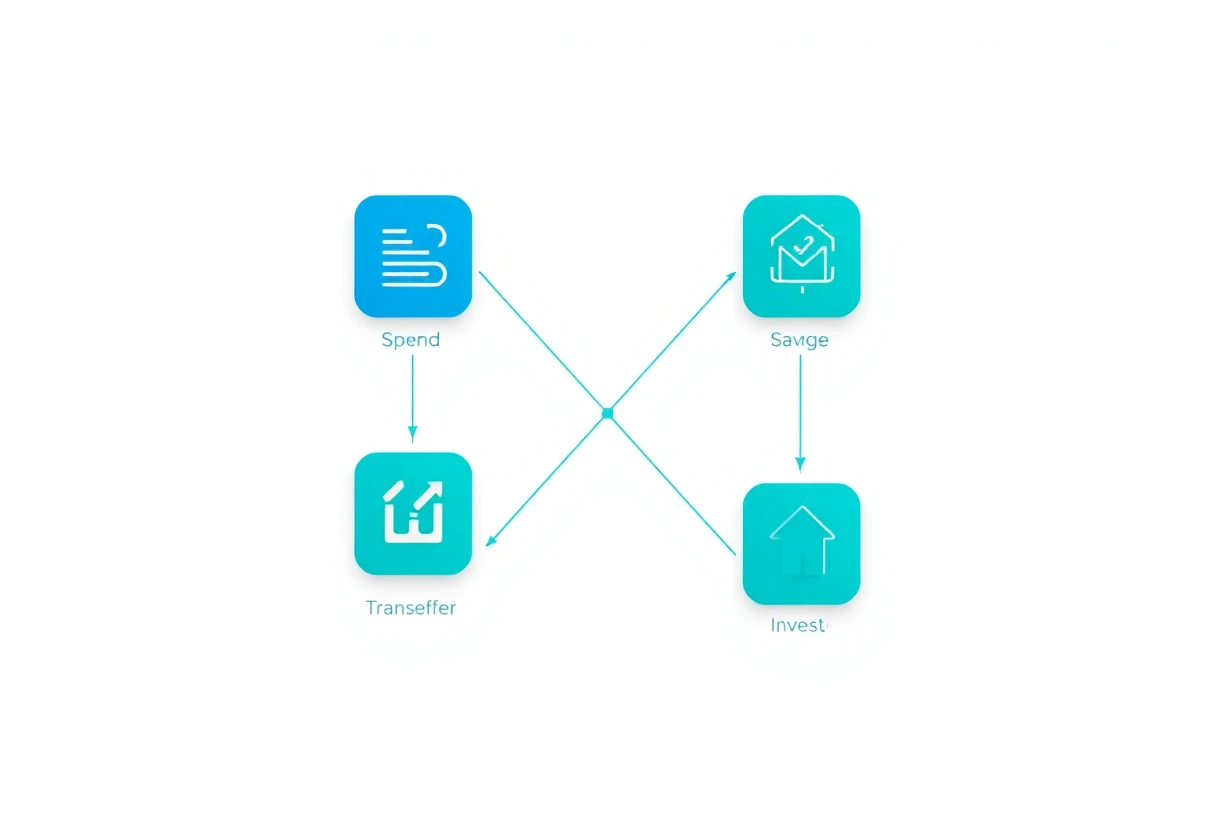
What actually matters
A budgeting app earns its place by changing a behavior, not by listing the most features. Look for quick expense entry, useful category summaries, clear savings goals, transparent pricing, sensible permissions, and an export option. The available data supports Peles Expenses for focused tracking, Peles Savings for goal-oriented monitoring, Wise for international transfers, Remitly for cross-border payments, and PayPal for shopping and eligible purchase protection.
Skip the category confusion. A payment wallet is not a budget, an investment wallet is not an emergency fund, and an automated recommendation is not a decision. Start with the smallest system you will actually use every week.
Once your money tools are under control, the same rule applies to the rest of your phone: keep only apps that earn their space. See The Productivity Apps That Actually Earn Their Space for a practical way to trim the rest.


